
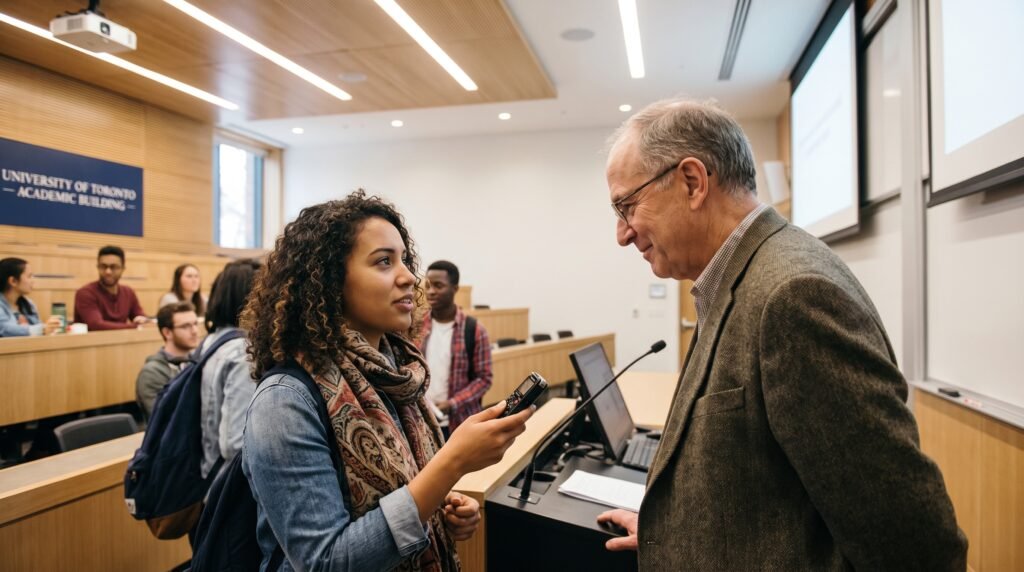
Recording a lecture can seem like a straightforward way to revisit difficult material. You might want to replay an explanation, check unfamiliar terminology or spend more time understanding a diagram.
However, a phone’s recording function or an app’s transcription feature does not establish permission to capture the class. The instructor’s materials, classmates’ contributions and the way a tool processes information can all affect what you are allowed to do.
Toronto lecture recording requires checking the rules for your institution, course and intended use. Start before the class you want to record, with a clear explanation of what you plan to capture and why.
Read the Course Rules Before Opening an App
Begin with the syllabus, learning platform and relevant academic policies. Look for instructions covering audio, video, photographs, transcription and sharing.
The University of Toronto’s Arts & Science academic calendar requires written instructor consent before recording or otherwise reproducing lecture presentations and similar materials. Permission is limited to individual private use unless further authorization is given.
Treat this as an example of an institutional rule, rather than assuming every Toronto program uses identical wording.
If the syllabus is silent, ask. An absence of instructions does not give you a reliable basis for deciding that recording is permitted.
Keep the response somewhere accessible so you can follow any conditions throughout the term.
Describe Exactly What You Want to Capture
A general question such as “Can I record?” may leave important details unresolved.
Explain whether you want audio only, a video of the instructor, photographs of slides or a transcript generated by software. Say whether the tool stores the material locally or uploads it elsewhere.
You could write:
“I would like to make an audio recording of your lecture for my own revision. I would not share it. Could you confirm whether this is permitted and whether any parts of the class should be excluded?”
If you plan to use transcription or automated summaries, add that information. Do not describe a cloud-based transcription tool as a simple voice recorder if it processes material differently.
Specific details let the instructor answer the actual request.
Confirm Which Class Activities Permission Covers
Permission for a lecture should not automatically be extended to every activity in the course.
Ask about tutorials, guest presentations, group discussions, demonstrations and office-hour conversations separately where relevant.
A session may move between prepared teaching and contributions from students. Discuss what should happen when the format changes, including whether you need to pause recording.
Practical placements and activities outside an ordinary classroom can require additional arrangements. U of T’s audio-recording accommodation resource specifically identifies fieldwork, internships and clinical settings as situations that may need case-by-case discussion.
Make the boundaries clear enough that you can follow them without repeatedly guessing during class.
Use the Accessibility Process When Recording Is an Accommodation
If disability-related barriers affect note-taking or attention, contact your institution’s accessibility office about appropriate support.
Toronto Metropolitan University’s accommodation guidance asks students with an audio-recording accommodation to discuss permissions and parameters with instructors in advance. It also refers to an agreement limiting recordings to exclusive academic use and requiring deletion after the course.
Follow your own institution’s process. An approved accommodation should be implemented through the relevant office, rather than treated as an informal request that depends solely on a casual conversation.
U of T’s guidance states that privacy and copyright concerns do not override the right to accommodation; Accessibility Services can help resolve concerns while maintaining access.
If there is disagreement, ask your accessibility adviser to assist. You do not need to explain private medical details to the entire class.
Account for Classmates’ Voices and Images
An instructor’s permission may not settle how classmates can be captured.
U of T’s School of Continuing Studies, for example, has specific requirements concerning recordings that include other learners’ voices or images. Its policy addresses written agreement and removal of captured material under instructor supervision.
Check the rules that apply to your course.
Avoid pointing a camera across the room when your purpose is to review a lecture. Ask how questions from students should be handled and whether recording needs to stop for sensitive discussions.
Do not assume that a student speaking in class has agreed to appear in an uploaded transcript or recording.
Ask Separately About AI Transcription and Summaries
Permission to keep a private recording should not be assumed to include uploading it to an external tool.
Before using automated transcription or summarization, ask whether the tool is permitted for that course and purpose. Explain whether it joins meetings, captures participant names or sends audio to an outside platform.
Useful questions include:
- Does the institution provide an approved option?
- Where are recordings and transcripts stored?
- Who can access them?
- Can automatic sharing be disabled?
- What deletion options are available?
- Is additional permission required before uploading course material?
Check these settings before recording begins. If the answers are unclear, ask the instructor or institutional support team for guidance.
Distinguish Access From Permission to Download
An instructor may provide an official recording through the course platform. That gives you an authorized way to review the material, subject to its conditions.
It does not necessarily permit screen recording, downloading, extracting audio or passing the link to someone else.
York University’s online-learning protocol limits recordings to authorized users and restricts disclosure of recording links and copies.
Ask whether official recordings will be available, when access ends and what alternative support exists if you cannot use them effectively.
If a download button appears, check the course conditions before treating that technical capability as permission for every later use.
Keep Recordings Out of Group Chats Unless Authorized
A classmate who missed a lecture may ask for your file. Before sending it, check the permission you received.
U of T’s instructor handbook states that permission for an individual student’s study does not include distribution, and that accessibility recordings cannot be shared without permission.
A private group chat is still a way of sharing the material. The same issue arises with shared drives, student forums and course-sharing websites.
Direct classmates to the instructor’s approved resources or encourage them to ask about missed-class support.
If collaboration requires sharing a particular recording, obtain clarification first rather than assuming that a group assignment removes the restriction.
Use Transcripts as Study Aids, Not Unchecked Evidence
If transcription is permitted, review important passages against the source material.
Automated text can mishear names, technical terms, numbers and distinctions that change an explanation’s meaning. Mark uncertain wording and ask questions rather than copying it confidently into an assignment.
Keep your own analysis separate from a verbatim transcript. TMU’s copyright guidance distinguishes notes written in a student’s own words from recordings and exact transcriptions of an instructor’s words.
For assessed work, follow the assignment’s rules on sources, attribution and AI assistance. Permission to create a study aid does not answer every question about using it in submitted work.
Set Storage and Deletion Rules Early
Choose a storage location that matches the conditions of your permission or accommodation agreement.
Use clear filenames, restrict access and check whether your recording app automatically syncs to a shared folder. Avoid leaving files on a borrowed device or in an account other people use.
Record any required deletion date when you create the file. Include transcripts and exported copies in your review, not only the original audio.
Before graduation, students may also need to consider Toronto student account closures. Check recording permissions before moving course material to personal storage; preserving account data does not override a deletion or use restriction.
Helpful Public Education Resources
- U of T: Recording Lectures: General consent and accommodation guidance.
- TMU: Audio Recording Accommodation: Steps for students using an approved accommodation.
- York University: Online Learning Protocol: Recording access and sharing conditions.
- TMU: Course Sharing and File Sharing: Guidance on course materials and student notes.
Note: Recording rules vary by institution, course and setting. Confirm current permission, accessibility arrangements and tool requirements before capturing or uploading class material. This article provides general information, not a determination of copyright, privacy rights or an individual accommodation.