Changing your phone can affect a building service that is easy to overlook: the apartment intercom. A visitor enters your buzzer code, but your new device never rings. Alternatively, you answer the call and hear the person outside, yet the door-release command does nothing.
These problems can interrupt deliveries, appointments and visits even when ordinary calls work normally. The cause may be an outdated building record, a phone setting or a separate issue with the entry system.
Toronto apartment intercoms use different arrangements. Before changing settings or requesting repairs, establish how your building connects visitors with residents and test the complete process.
Identify What Actually Changed
Start by separating a new device from a new telephone number.
If you kept the same number, management may not need to change the intercom’s calling record. However, your replacement phone may have different call-screening settings or require you to sign back into a building app.
If your number changed, the entry system may still be calling the previous one. Updating your contact details with the concierge does not necessarily update the intercom database.
Write down the date of the change and describe what works. Can you receive ordinary calls? Does the intercom call appear as missed? Can you speak with the visitor?
These details help management investigate the correct part of the process.
Ask How Your Building’s Intercom Works
Some systems call a registered telephone number. Others connect to an in-suite handset or use an app, video service or combination of methods.
Ask management which arrangement applies to your unit. Confirm whether the system needs a telephone number, an app account, an approved device or more than one of these.
If you use an app, check whether changing phones requires a new invitation or device registration. Do not assume that restoring the app from a backup restores building access.
For a telephone-based system, ask whether any restrictions apply to the numbers it can call. Confirm your particular number with management instead of relying on another resident’s experience.
Update the Intercom Record Specifically
Send the change through the building’s approved process. Include enough information to identify your unit and the record that needs updating.
Ask management to confirm:
- Which number the intercom will call.
- When the change will take effect.
- Whether an old number or device will be removed.
- Whether another resident’s number is also registered.
- Whether the directory entry or buzzer code will change.
Use a secure channel where the building requests one. Avoid posting your telephone number or access details in a public residents’ group.
For a broader checklist of services affected by a number change, see our guide to changing phone numbers after arriving in Toronto.
Test the System With Someone You Know
Arrange a short test with a trusted person at the correct entrance. Keep your own key or fob available so the test does not leave you locked out.
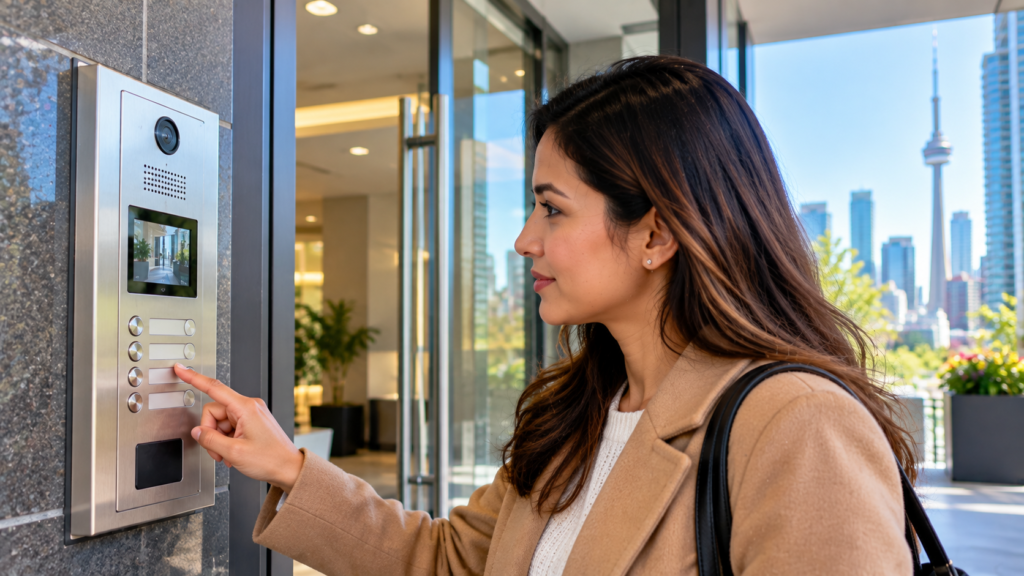
Have the person use the directory or buzzer code exactly as a visitor would. Check each stage separately:
- The correct entry appears on the panel.
- Your phone receives the call or notification.
- You can hear one another.
- The approved release control unlocks the intended door.
If there are multiple entrances, ask whether they operate independently. A successful test at the main lobby may not explain a problem at another authorized visitor entrance.
Record the time and result. This gives management a useful reference if the fault is intermittent.
Review Call Screening Before Changing Everything
A telephone-based intercom may call from a number your phone does not recognize.
Unknown-caller screening, spam filtering, blocked numbers or a focus mode may affect how that call reaches you. Review the settings relevant to your device and software version.
Apple explains that its unknown-caller options can screen calls or silence them and send them to voicemail. Google’s Phone app also offers spam filtering and number blocking.
Ask management whether the intercom uses a consistent outgoing number. If confirmed, saving it as a contact may help you recognize future calls.
Avoid disabling every protective setting permanently. Change one relevant setting at a time, repeat the test and keep the arrangement that allows expected calls to reach you.
Separate a Ringing Problem From a Release Problem
If the phone rings and conversation works, report that clearly. The remaining fault may concern the release command or door hardware rather than the registered number.
Ask for the instructions for your building’s exact system. Some telephone-based intercoms use the phone’s on-screen keypad, while app-based systems may have a separate release button.
Do not guess a release digit from advice about another building. Follow the approved sequence and note whether the panel gives any response.
If the correct command still fails, tell management what happened at both ends: whether the caller heard a tone, whether the lock made a sound and whether the door remained secured. Let authorized personnel investigate the hardware.
Keep Directory Details and Access Codes Distinct
Your telephone number, directory name and buzzer code may be separate records.
Changing one does not establish that the others changed too. Review what visitors will see and which code they should use after the update.
Ask what directory display options the building permits if you have privacy concerns. Confirm the approved process rather than editing shared settings yourself.
When a household member moves out or loses access to a registered device, notify management promptly. Ask which records, invitations or permissions need to be removed.
Keep a private copy of your current visitor instructions so you can send accurate details without repeatedly checking the lobby panel.
Update Delivery and Appointment Instructions
After testing, review instructions saved with delivery accounts and people who visit regularly.
An old buzzer code can remain attached to a grocery order, maintenance appointment or recurring service even after the building record is correct.
Provide the entrance, directory name or buzzer code needed for the visit. Avoid including permanent access credentials unless the building expressly authorizes that arrangement.
Tell expected visitors how to contact you if the intercom fails. A direct call may let you meet them at the entrance, but it should not become an instruction to follow another resident through a secured door.
Confirm a Backup That Works Without Your Phone
Know how you enter when your phone is unavailable, out of battery or being repaired.
Ask management about the approved key, fob or after-hours assistance procedure. Keep the relevant contact information somewhere accessible without relying entirely on the phone you may lose.
Do not prop open a secured entrance or lend credentials contrary to building rules. A temporary workaround can create a security problem for everyone.
Ask who is calling before releasing the door. Toronto Police Service’s apartment and condo security guidance emphasizes attention to building entrances and unfamiliar activity around entry vestibules.
Report an Unresolved Fault With Specific Evidence
Send management a concise written report if the checks do not resolve the problem.
Include the affected entrance, test time, device type, whether your number changed and the exact stage that failed. Explain any settings you tested without sending screenshots containing unrelated calls or private messages.
Ask for a reference number and the next step. If the problem involves an accessibility need or repeatedly prevents an expected essential visit, explain the practical impact.
Once management confirms a repair or update, repeat the full visitor-entry test. A corrected database entry is useful, but the final check is whether an expected visitor can contact you and be admitted through the approved process.
Note: Intercom features, release controls and update procedures vary by building. Follow management’s instructions and use authorized entry arrangements while a fault is investigated. For a helpful public resource on shared-building entry precautions, see the Toronto Police Service’s apartment and condo security guidance.